How-to guides & demos
Short, scenario-based walkthroughs of the core ways to use ContextGraph::ai — from mapping your first domain to letting an AI agent reason and build over it.
Watch
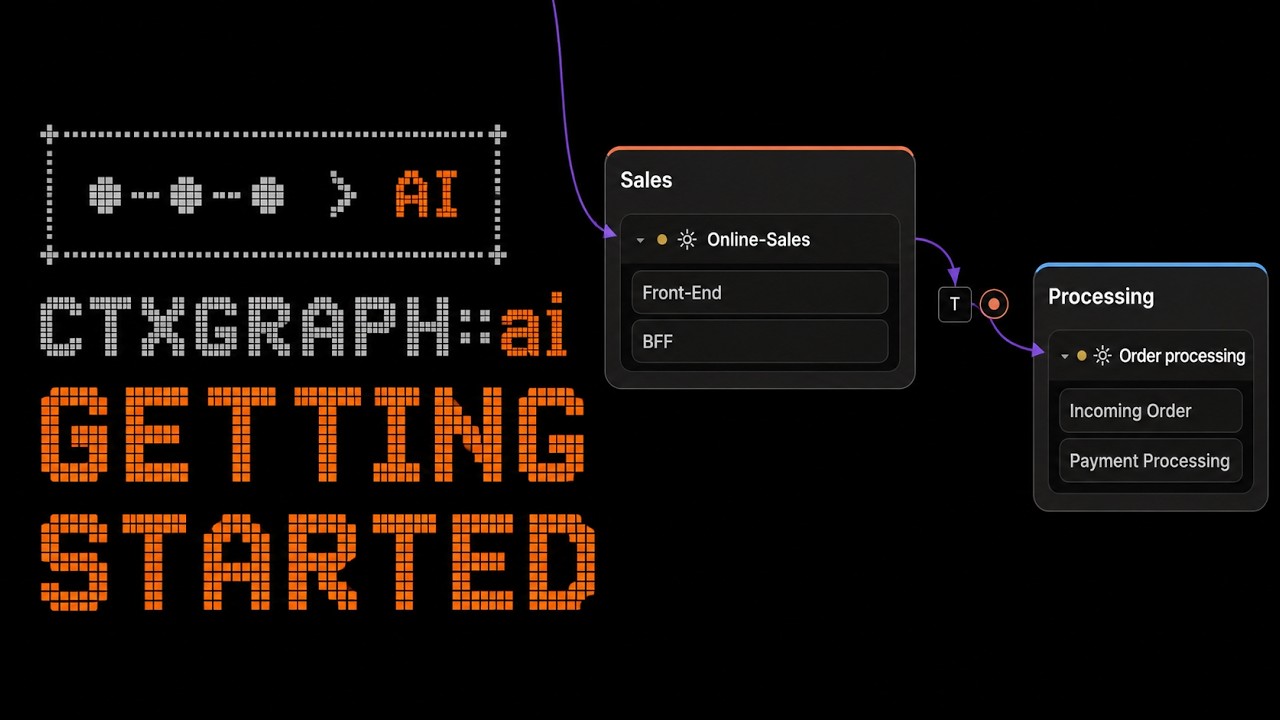
Reason & build with an agent
Share a diagram, connect MCP, and let an agent work on it.
Sync, share & publish
Your library across devices, public viewers, and AI Build extracts.
Guides
How to reason with your LLM
Design the base, Share it, connect the MCP server, then let your agent reason over the real architecture.
Read the guide →ESP32-C3 Example
Download a ready-made component map of an ESP32-C3 driving a WS2812B rainbow, open it in the tool, and build it with PlatformIO.
Read the guide →Share a diagram — viewer + AI Build extract
Turn any diagram into a read-only link for people, a machine-readable extract for agents, and an MCP-visible diagram.
Read the guide →Build a system from your architecture
Tag what is live, build, and plan — then hand the structured export to a coding agent and let it implement against the real design.
Read the guide →Setting up your MCP
Create your API key and connect the contextgraph MCP server — with config examples for Claude Code and other clients.
Read the guide →Keep your library in sync across devices
Sign in and your whole library follows you to any browser — private until you choose to Share.
Read the guide →